DoesItARM.com
I just needed to know that list, so I made that list and I put it up there. And it turns out it helped a lot of people — there were even some knockoff sites copying my list. It was just really cool: this is something people need, something that helps people.
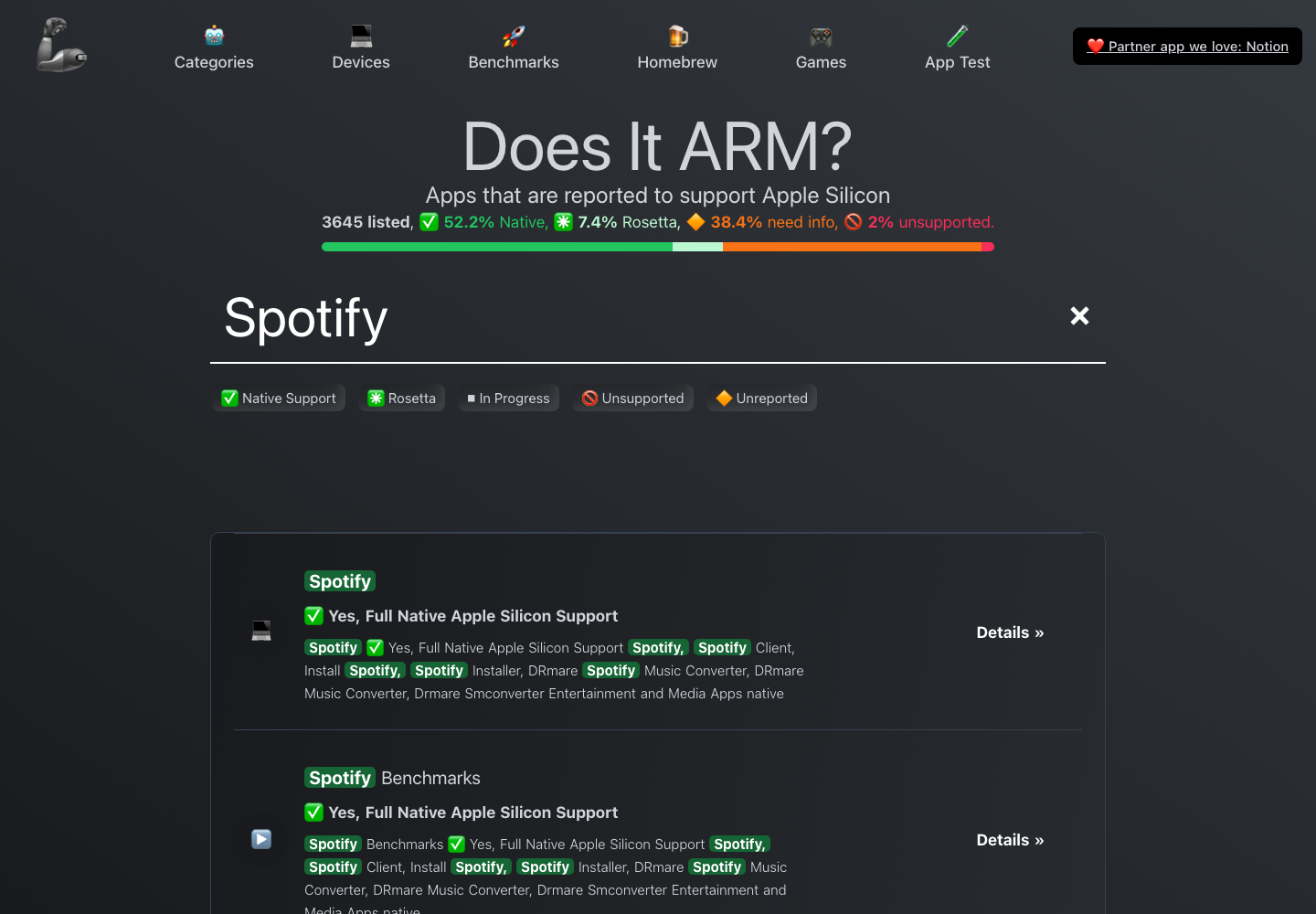
DoesItARM.com is a website I built for fun that turned into a go-to compatibility directory for Apple Silicon Macs. People come to it to find out whether an app — or a video game — runs natively, through Rosetta translation, isn’t ready yet, or still needs testing.
Links
- Site: doesitarm.com
- GitHub: ThatGuySam/doesitarm
Highlights
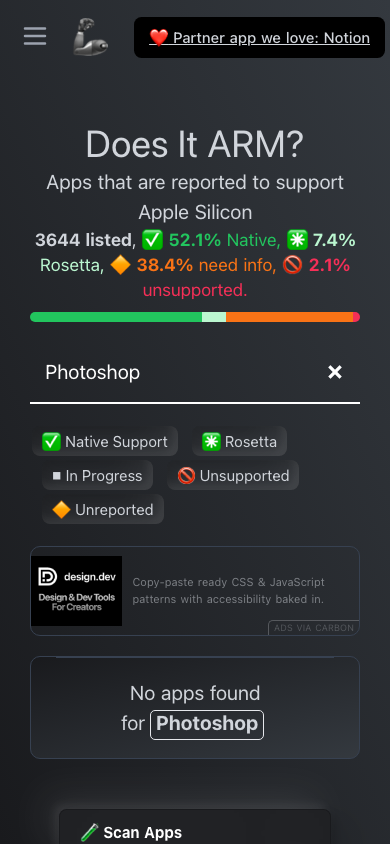
- Built to answer one question — does this app run on Apple Silicon? Type a name and the whole index filters instantly.
- Four clear states — native, Rosetta, in progress, or unreported.
- Apps and games — a lot of the traffic is people checking which games run on Apple Silicon.
- Evidence-backed and self-updating — community reports and official links, plus build scripts that parse a source README and scan new apps into the index.
How It’s Built
- Frontend — Astro with server output and the Netlify adapter, Vue components, Tailwind CSS, and Partytown.
- Search — Pagefind and Stork index generation with custom build scripts and browser tests for the native filtering.
- Data pipeline — README-driven content, clone-and-parse scripts, generated app lists, and scan-new-app automation.
- Binary analysis — Mach-O parsing, plist support, endian readers, and workerpool for automated compatibility evidence.
- Deploy & tooling — Netlify server output, a Cloudflare-oriented API build, pnpm, Node, TypeScript, Vitest, and Playwright-core.
Screenshots